
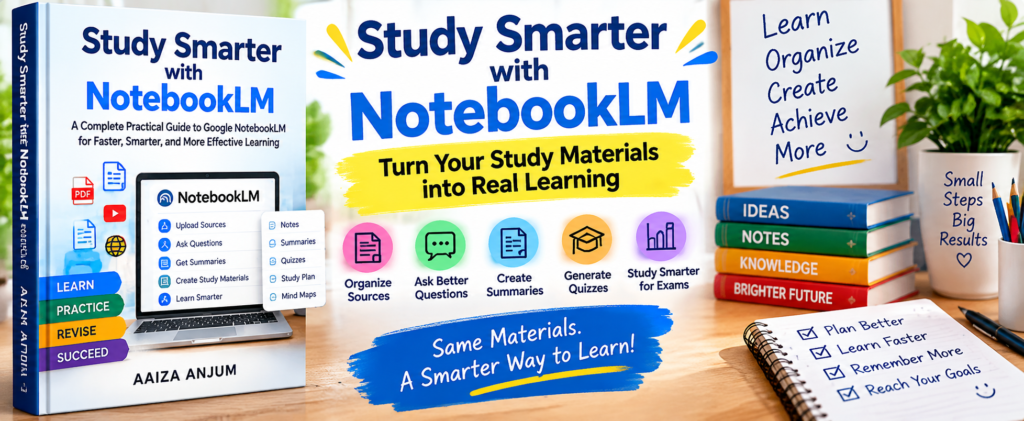
Get ready to transform how you learn with Study Smarter with NotebookLM: A Complete Practical Guide to Google NotebookLM. This practical digital guide walks students, teachers, researchers, and self-learners through everything from setting up their first notebook to writing exam-winning prompts, revising smarter, and building a long-term AI-powered study system — grounded entirely in real NotebookLM workflows, not vague theory.
What’s Inside?
- 9 chapters covering setup, sources, prompting, revision, and advanced use cases
- How NotebookLM is different from ChatGPT — and why that matters for accuracy
- The 5-Part Prompt Formula for writing exam-ready questions
- Step-by-step workflows for adding PDFs, websites, YouTube videos, and notes
- The Three-Stage Revision Method and a Last-Minute Revision Workflow
- Subject-wise strategies for science, humanities, and language subjects
- Advanced use cases for research, teaching, and professional learning
- Weak Prompt vs Strong Prompt examples in every chapter
- Chapter Summaries to reinforce every key idea
- A Practice Section for writing your own prompts with a ready-to-use template
- The NotebookLM Mastery Framework and a Best Practices Checklist
- A full breakdown of common mistakes — and how to avoid them
Why This Guide?
Every chapter walks through an actual NotebookLM process — from creating your first notebook to generating exam-ready revision notes — in plain, practical steps.
A simple, repeatable formula for writing prompts that actually get you exam-oriented, source-grounded answers — no more generic explanations.
Dedicated strategies for science, humanities, and language subjects, so the same system works whether you’re studying chemistry or literature.
Chapters on exam prep sit alongside chapters on lesson planning, research workflows, and professional skill development.
Delivered as a print-ready PDF, so you can read it on a laptop, tablet, or phone — or print it out and study offline.
Chapter Summaries and a hands-on Practice Section turn each idea into something you actually try, not just read and forget.
“NotebookLM is not the future of learning. It is a tool that strengthens how humans learn.”
Great for Students, Educators & Lifelong Learners
- Students preparing for exams
- Competitive exam aspirants
- Teachers and educators building lessons
- Researchers working with complex source material
- Self-learners who value accuracy over guesswork
- Professionals studying policies, manuals, or training material
How to Use This Guide
Every purchase includes a print-ready PDF, so you can read it the way that suits you — print it out, mark it up on a tablet, or keep it on your phone for quick reference. A clickable Table of Contents makes it easy to jump straight to the chapter you need.
Open the PDF on any computer, tablet, or phone — no special app or e-reader required.
Print the whole guide at home or at a copy shop, or print only the chapters you need for this week’s revision.
Open the PDF directly and use annotation tools to highlight prompts and take notes without printing a single page.
Use the Table of Contents to jump straight to the chapter that matches what you’re studying or preparing for right now.
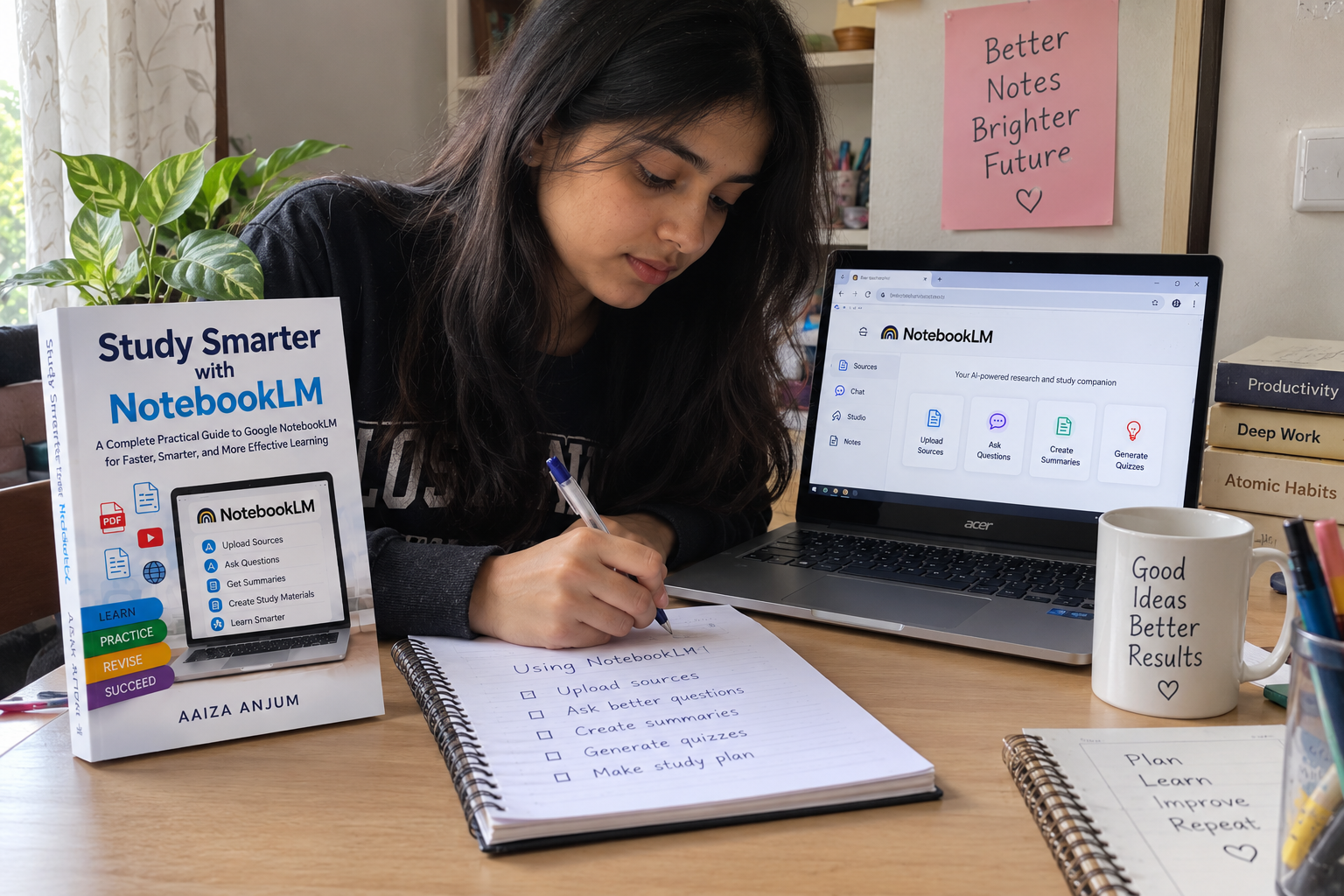
See It On Your Desk

Get 20% Off Study Smarter with NotebookLM
Join our reader list and we’ll send you a discount code for this guide, plus updates when we publish new titles.
This is a licensed digital product. The PDF may not be shared, resold, redistributed, or publicly posted. Commercial use of the content requires separate written permission. Google and Google NotebookLM are trademarks of Google LLC; this guide is not endorsed by or affiliated with Google in any way.
Leave a Reply