
Description
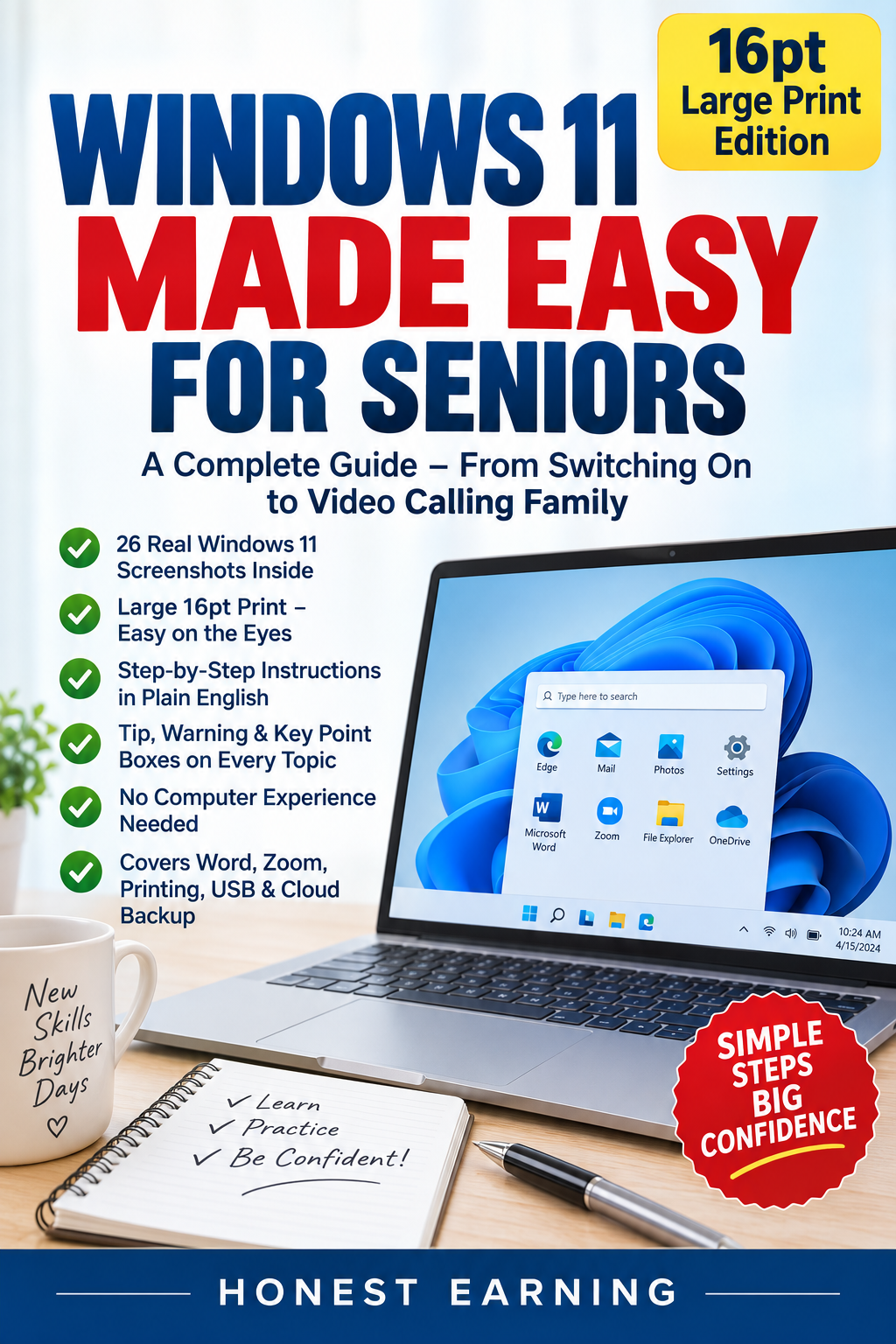
Windows 11 Made Easy for Seniors is a beginner-friendly guide created to make learning Windows 11 simple, comfortable, and less intimidating.
With 16-point large print, clear step-by-step instructions, labelled Windows 11 illustrations, helpful tips, warnings, key points, and practice activities, readers can learn at their own pace without needing previous computer experience.
The Windows 11 Made Easy for Seniors book covers:
- Getting to know your computer
- Turning Windows 11 on and off
- Understanding the Windows 11 desktop
- Using the Start Menu
- Managing windows and programs
- Files, folders, and File Explorer
- Internet browsing
- Online safety
- Wi-Fi and notifications
- Microsoft Word
- Zoom video calls
- Printing documents and photos
- USB drives and external storage
- OneDrive cloud backup
- Settings and customization
- Common problems and solutions
- Quick reference shortcuts
Perfect for seniors, beginners, and anyone who wants a straightforward introduction to Windows 11.
Nishanth k –
Good Book