
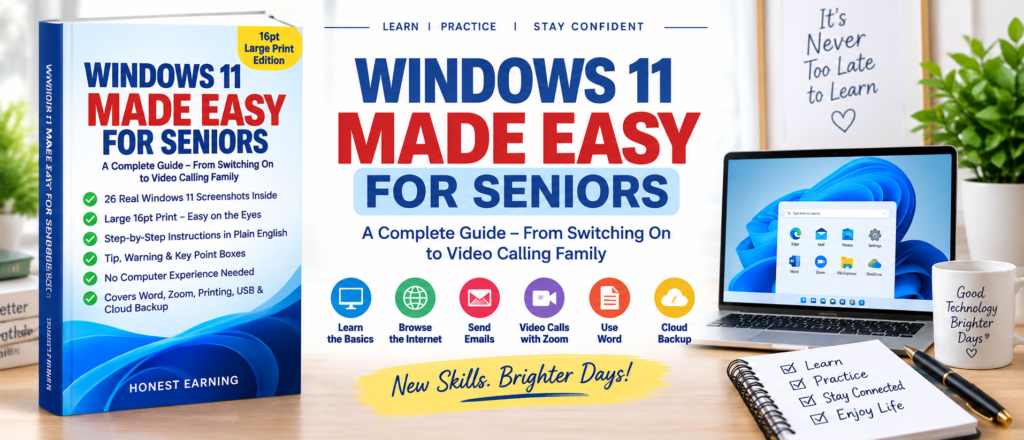
Learning a new computer shouldn’t feel overwhelming. Windows 11 Made Easy for Seniors is a complete, large-print guide built specifically for seniors and first-time computer users — with real Windows 11 screenshots, plain-English steps, and no assumed experience required.
What You’ll Discover
- 16pt large print — easy on the eyes, front to back
- 26 real Windows 11 screenshots with labelled arrows
- Getting to know your computer — parts, mouse, and keyboard basics
- Turning your computer on and off, and signing in safely
- The Windows 11 Desktop, Start Menu, and working with windows
- Files, folders, and File Explorer explained simply
- Browsing the internet and using email with Windows Mail
- Staying safe online — practical, non-technical guidance
- Notifications, Wi-Fi, and everyday settings
- Using Microsoft Word for letters and documents
- Video calls with Zoom — staying connected with family
- Printing documents and photos
- USB drives, external storage, and OneDrive cloud backup
- Settings and customisation made simple
- Common problems and solutions
- A Master Quick Reference Guide for every shortcut in the book
Why This Guide?
Every page uses 16pt text, designed for comfortable reading without strain.
Actual Windows 11 screens with labels and arrows show you exactly what to click, every time.
Every instruction is written in everyday language, with nothing assumed and nothing skipped.
Follow each chapter in order and always know exactly what to do next.
Helpful shortcuts, safety alerts, and the single most important fact on every topic — clearly marked throughout.
From switching on to video calling family, with a Master Quick Reference Guide for lasting everyday use.
Enjoying learning at your own pace? Our Statistics Study Guide offers the same clear, step-by-step approach for anyone exploring a new skill.
“You cannot break your computer by reading this book — every step is reversible.”
Who Is This Book For?
- Seniors using a Windows 11 computer for the first time
- First-time computer users of any age
- Anyone who finds typical tech guides too fast, too small, or too technical
- Family members looking for a gift that actually helps a parent or grandparent
- Readers who want to stay connected with family through email and video calls
- Anyone wanting a calm, judgment-free way to build computer confidence
What You’ll Learn to Do
The guide follows a natural, everyday progression — starting with the parts of your computer and the basics of the mouse and keyboard, moving through the Desktop and Start Menu, and building up to email, safe browsing, video calls with family, and printing photos and documents.
By the final chapters, you’ll be comfortable using Microsoft Word, backing up files with OneDrive, adjusting settings to suit you, and troubleshooting common problems on your own — with the Master Quick Reference Guide there whenever you need a reminder.
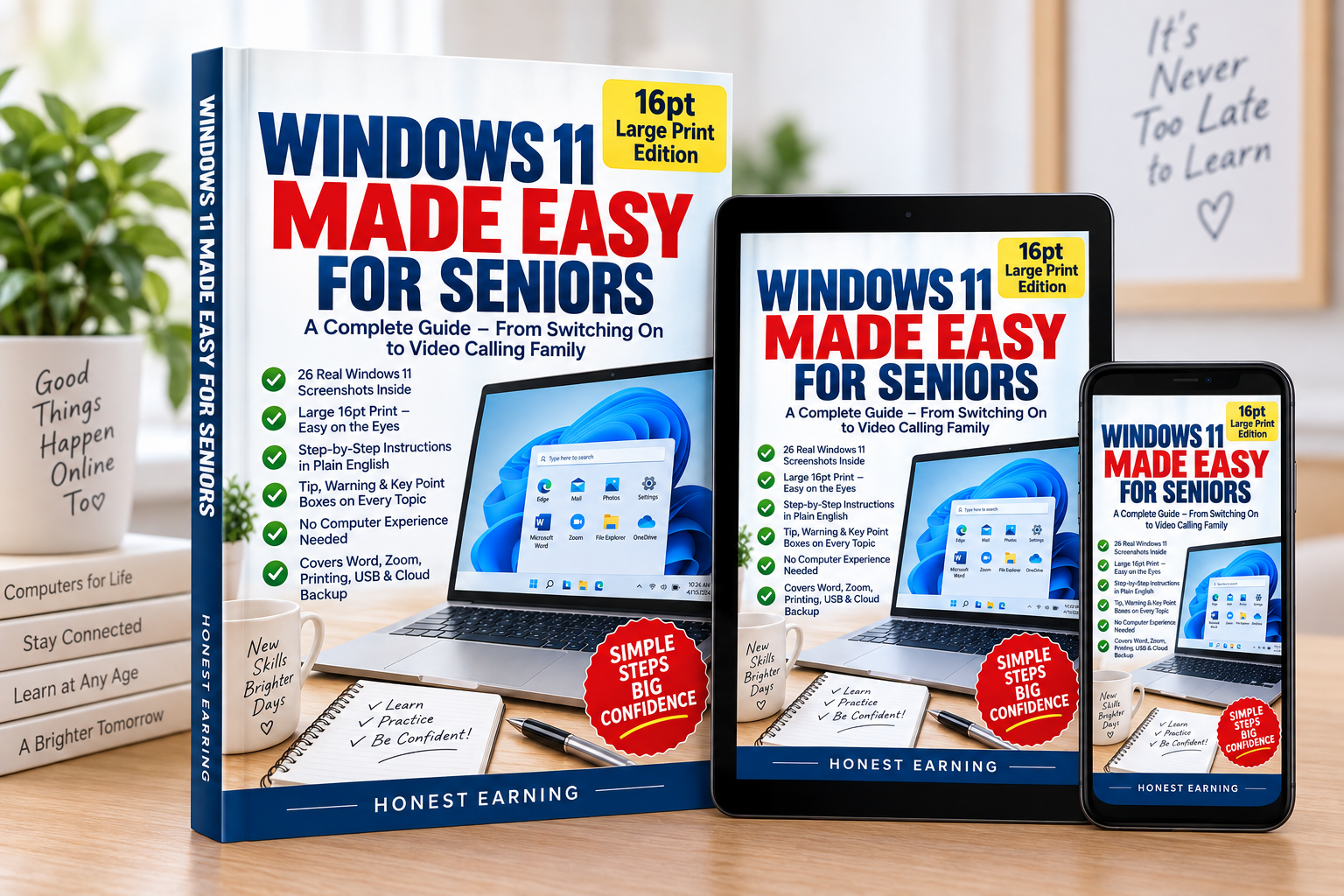
See It On Your Desk
Get 30% Off This Guide
Join our reader list and we’ll send you a discount code for this book, plus updates when we publish new titles.
This is an independent educational resource and is not affiliated with, endorsed by, or sponsored by Microsoft Corporation. Windows® and Microsoft® are registered trademarks of Microsoft Corporation.
Leave a Reply